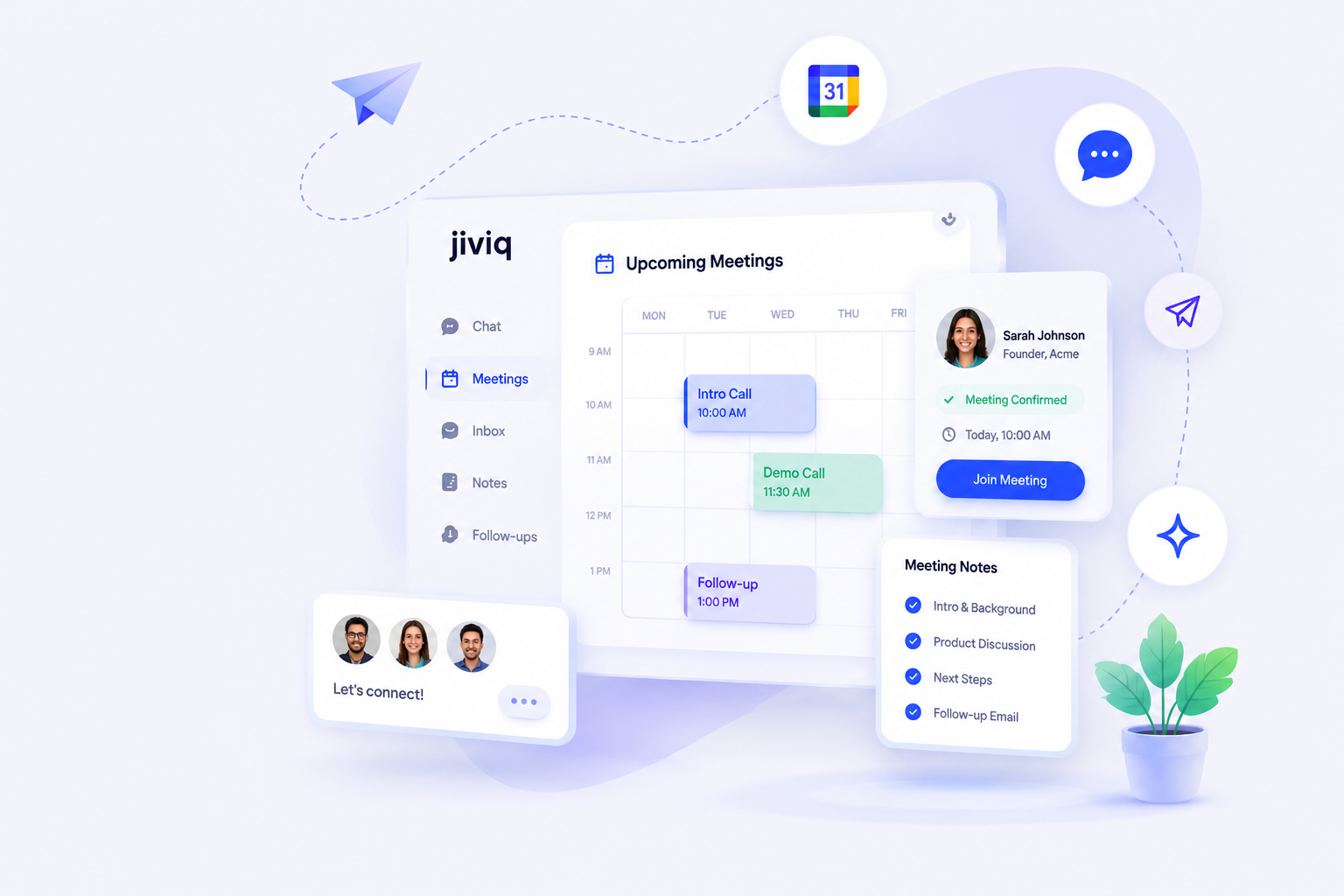


Scheduling Was Never the Hard Part

After someone books a meeting, the real work begins.
- cancel Notes live scattered across Notion, Google Docs, and random text files.
- cancel Follow-ups get delayed because you are already jumping into your next call.
- cancel Customer details are forgotten by the time you meet again.
- cancel Feature requests disappear into the void because they weren't linked to the customer.
Founders end up becoming the integration layer, manually stitching
data together.
The meeting isn't the finish line. It's the beginning of the
relationship.
Why Founders Outgrow Calendly
Calendly is excellent at helping people find time. It's reliable and incredibly simple. But as your business grows, finding time isn't enough.
Context
You need to know what they asked in your website chat before they booked.
Continuity
Every interaction should build on the last, not start from zero.
Relationship Intelligence
Connect notes, tasks, and requests directly to the person who asked for them.
Customer Memory
Remember the small details without relying on your own overloaded memory.
Jiviq is the natural evolution. It gives founders a single place to manage the relationship, not just the calendar.
Calendly vs Jiviq
A side-by-side look at what happens when you compare a scheduling tool to a Founder Operating System.
| Feature | Calendly | Jiviq |
|---|---|---|
| Scheduling | check_circle | check_circle |
| Booking Pages | check_circle | check_circle |
| Reminders | check_circle | check_circle |
| AI Meeting Briefs | remove | check_circle |
| Customer Timeline | remove | check_circle |
| Website AI Chat | remove | check_circle |
| Meeting Notes | remove | check_circle |
| Follow-up Drafts | remove | check_circle |
| Feature Tracking | remove | check_circle |
| Knowledge Base | remove | check_circle |
| Forms | remove | check_circle |
| Unified Customer Context | remove | check_circle |
Both products solve different stages of the customer journey. If you just need to arrange a time to meet, Calendly is the standard. But if you want to manage the relationship before, during, and after the meeting, Jiviq is the best Calendly alternative.
From Booking to Closed Deal
How AI scheduling software for founders transforms your daily workflow.
Visitor books meeting
They select a time seamlessly.
AI prepares customer context
Jiviq summarizes their past website chats and interactions.
Founder enters informed
You start the conversation with deep context.
Notes captured
Meeting notes are saved directly to the customer's profile.
Follow-ups generated
Jiviq drafts a personalized follow-up based on your notes.
Feature requests linked
Product feedback is tied directly to the person who asked for it.
Customer timeline updated
The entire interaction is chronologically logged.
Stop Starting Every Conversation From Scratch
Calendly remembers time slots. Jiviq remembers people.
As a founder, your biggest bottleneck isn't time. It's mental load. Trying to remember every detail about every prospect is exhausting. JIVIQ's customer timeline feature lifts that burden.
Jiviq helps you remember:
- check Questions customers asked
- check Details from previous meetings
- check Specific objections raised
- check Follow-up commitments
- check Requested features
- check Relationship history
You don't have to hold every detail in your head or frantically search through five different apps while the customer waits on Zoom. Everything is instantly available.
Replace More Than Just Calendly
The hidden operational cost of using multiple tools is fragmentation.
This typical stack is exhausting, prone to human error, and completely disconnected.
JIVIQ creates one connected system. We bring scheduling, customer
context, notes, feature tracking, and follow-ups into a single, clean
workspace.
Simplicity is the ultimate competitive advantage for a founder.
JIVIQ gives you that simplicity.
AI-Powered Scheduling & Meeting Intelligence
JIVIQ isn't just better scheduling—it's a completely different category.
auto_awesome AI Meeting Briefs
Before every meeting, JIVIQ generates a brief with customer history, past interactions, key questions, and previous discussions. You start every call prepared.
note_add Automatic Note Capture
JIVIQ automatically captures notes, extracts action items, and records key decisions. Everything links to the customer's timeline automatically.
mail Intelligent Follow-ups
After your call, JIVIQ drafts your follow-up email based on your notes and the customer's context. Review, personalize if needed, and send in 30 seconds.
The Productivity Impact
15 min
Saved per call (prep + notes + follow-up)
10-15
Calls per week for average founder
130-195 hrs
Recovered per year
$13k-19.5k
Annual time value recovered
JIVIQ Pricing: Cost vs. Your Current Stack
Let's be honest about pricing. Here's what you're really paying now versus JIVIQ.
What You're Likely Paying Now
| Tool | Monthly | Annual |
|---|---|---|
| Calendly | $20 | $240 |
| Notion (for notes) | $10 | $120 |
| Google Workspace | $12 | $144 |
| Email + Light CRM | $25 | $300 |
| Tool Cost Total | $67 | $804 |
The Hidden Cost: Your Time
8-10 hours per week managing scattered notes, context switching, and manual follow-ups
= $52,000/year in lost productivity (at $100/hour founder rate)
Real annual cost: $804 (tools) + $52,000 (time) = $52,804/year
With JIVIQ
JIVIQ Platform
$X/month
Includes all tools
Time Saved
10 hrs/week
= $52,000/year
Net Benefit
$52,800+
Annual savings
JIVIQ pays for itself in weeks through time savings alone.
Plus you eliminate tool switching, reduce context loss, and improve customer relationships.
Why We Built Jiviq
"We didn't build Jiviq because scheduling was broken. We built it because everything after scheduling was disconnected."
As founders, we were spending more time managing tools than talking to customers. We would book a meeting in Calendly, take notes in Notion, log feature requests in a spreadsheet, and try to remember what the customer asked us in the website chat last week.
Conversations were fragmented. Context was lost. We were repeating the same work over and over.
We needed an operating system that connected the dots. A tool that remembered the person behind the email address. That's why Jiviq exists—to give founders their time and context back.
How JIVIQ Compares to Other Alternatives
We're not the only Calendly alternative. Here's how we stack up against other popular options.
JIVIQ vs. Cal.com
- check Cal.com: Open-source, developer-focused, steep learning curve
- check JIVIQ: Founder-focused, zero setup complexity, all-in-one
Best for: Cal.com for technical teams; JIVIQ for non-technical founders
JIVIQ vs. Acuity Scheduling
- check Acuity: Service professional focus, strong payments
- check JIVIQ: Founder/SaaS focus, relationship continuity
Best for: Acuity for consultants; JIVIQ for founders closing deals
JIVIQ vs. SavvyCal
- check SavvyCal: Simplicity and group scheduling
- check JIVIQ: Customer context and automation
Best for: SavvyCal for quick decisions; JIVIQ for relationship building
Who Should Choose JIVIQ?
JIVIQ is built for founders who talk directly to customers. Here's how we serve different founder types.
person Solo Founders
Running everything solo? JIVIQ eliminates tool switching and keeps all customer context in one place. You manage 10x more relationships without the chaos.
trending_up SaaS Founders
Finding product-market fit requires constant customer feedback loops. JIVIQ connects discovery calls → meeting notes → feature requests in one timeline.
handshake Consultants
High-touch client relationships need perfect context. JIVIQ ensures you never repeat yourself or miss a commitment to a client.
workspaces Agency Founders
Juggling multiple accounts? JIVIQ keeps you organized across clients without losing context or missing follow-ups.
speed Bootstrapped Founders
Every dollar counts. JIVIQ replaces 4-5 separate tools, dramatically reducing your monthly software spend.
card_giftcard Fractional Operators
Working as fractional CMO/CFO/CTO? JIVIQ keeps your context sharp across multiple engagements with different companies.
Is Jiviq Right For You?
Jiviq isn't for everyone. We built it specifically for the fast-paced workflows of founder-led teams.
check_circle Ideal for:
- Solo founders managing everything themselves
- SaaS startups finding product-market fit
- Consultants handling high-touch client relationships
- Agencies juggling multiple accounts
- Fractional operators driving growth
- Small teams (1-5 employees) that need speed and context
cancel Less ideal for:
- Large enterprises with dedicated sales ops teams
- Complex sales organizations needing massive CRM deployments
- Businesses requiring extensive enterprise permission controls
If you are a founder directly talking to your customers, Jiviq was built for you.
Make the Switch in 5 Steps
We've made switching from Calendly as frictionless as possible. Here's your complete guide.
1 Prepare (Day 1) - 15 minutes
- check Export booking history from Calendly
- check Screenshot your current booking page settings
- check List any Calendly integrations you use
2 Set Up JIVIQ (Day 1-2) - 20 minutes
- check Create JIVIQ account
- check Connect your Google Calendar or Outlook
- check Set availability (copy from Calendly)
- check Customize your booking page
3 Migrate Data (Day 2-3) - 30 minutes
- check Backfill customer timeline with Calendly history
- check Import contacts and customer info
- check Configure integrations (Slack, email, etc.)
4 Update Links (Day 3-7) - 45 minutes
- check Update your website booking link
- check Update email signature
- check Update LinkedIn about section
- check Send notification to customers (template provided)
5 Optimize (Week 2) - 1 hour
- check Review customer context from first meetings
- check Adjust AI brief settings based on experience
- check Set up knowledge base entries
- check Test follow-up generation
Total Time: ~2.5 hours over 2 weeks
You can run both Calendly and JIVIQ in parallel with zero data loss
Why Switching is Easier Than You Think
Worried about workflow disruption? Don't be. You can be up and running today.
Setup takes minutes
Connect your calendar and you're immediately ready to start sharing your Jiviq scheduling link.
Zero migration headaches
There are no complex databases to map. Simply swap out your old Calendly link for your new Jiviq page.
No learning curve
The interface is clean and practical. It is designed to get out of your way so you can focus on building.
Frequently Asked Questions
Why choose Jiviq over Calendly?
Is Jiviq a Calendly replacement?
Does Jiviq include scheduling?
Can I still use Calendly?
Does Jiviq generate follow-ups?
Does Jiviq capture meeting notes?
Who is Jiviq built for?
How long does setup take?
Is there a free trial?
When should someone move beyond Calendly?
How much does JIVIQ cost compared to Calendly?
Can I import my existing Calendly bookings into JIVIQ?
What makes JIVIQ different from other Calendly alternatives?
Does JIVIQ work with Google Calendar and Outlook?
Can I use JIVIQ for team scheduling?
How does the customer timeline feature work?
What is an AI meeting brief?
Is there a free trial available?
What support do you offer during the transition?
Calendly helps you find time.
Jiviq helps you make every
conversation count.
Stop starting every customer interaction from a blank slate. Unify your scheduling, notes, and communications with the Founder Operating System.
The natural evolution for founder-led businesses.